 Tinted VPN
Per-app control without a technical setup
On Android, open Tinted VPN settings and choose which apps should skip the VPN. The remaining apps continue through the encrypted tunnel.
- Android only. Split tunneling is currently available on Android. It is not advertised as an iPhone, iPad or Mac feature.
- Useful for local devices. Keep a selected app on the regular path when a service needs your local network.
- Easy to change. Review the list whenever your network or travel plans change.
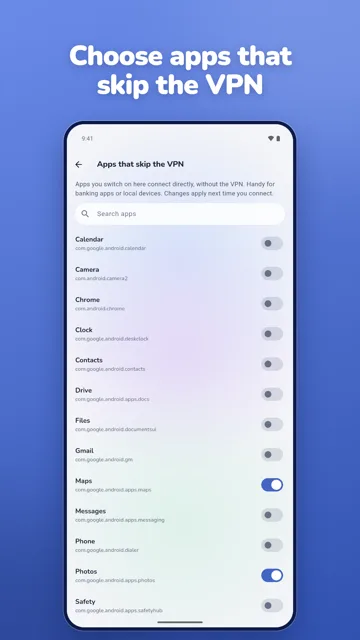
Privacy note: Split tunneling changes which apps use the VPN. Apps that skip the VPN use your normal network connection and its privacy properties.