 Tinted VPN
How it works without an account
On first launch, the app makes a random anonymous ID for your device. That ID is how the service tells your phone apart from others. It isn’t tied to your name, email or phone number, because we never ask for them.
If you buy Premium, the store takes the payment. Google Play handles it today, and the App Store will once the iPhone app is out. The app checks whether your subscription is active through RevenueCat, our subscription provider. You cancel in the store, and Restore purchases on the subscription screen moves an active subscription to a new phone on the same store account.
Other VPN apps ask for different things to get started, and the VPN comparison shows what five of them need from you.
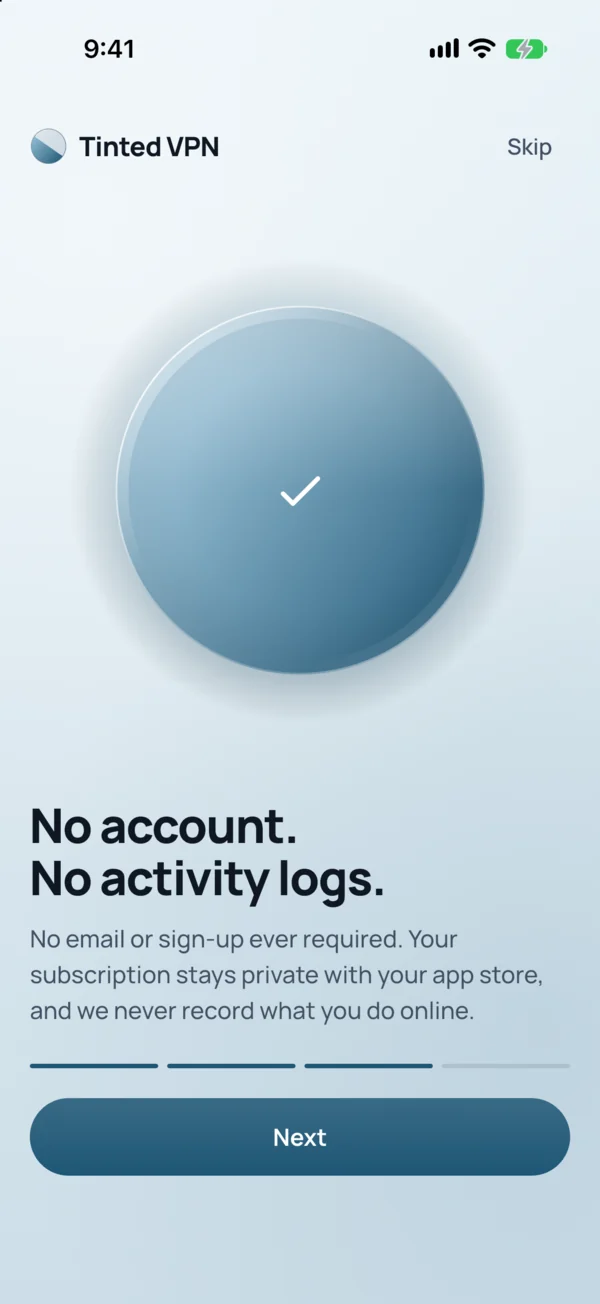
What Tinted VPN never collects
This is a no-log VPN in the plain sense. The privacy policy lists what isn’t collected:
- Your activity. The websites, apps or services you use, and the content of your traffic.
- DNS queries. Lookups go through Tinted’s own resolvers, which run with query logging off.
- Connection logs. When you connect or disconnect, for how long, or from which IP address.
- Your bandwidth. Servers report only whole-server totals, never a figure per person.
- Things on your phone. Contacts, photos, location and advertising identifiers.
What the service does process
A VPN can’t run on nothing. To connect your phone, the service keeps the random device ID and a token, your device’s WireGuard public key and the private address it was given, the platform and app version, and the last time the app contacted the API. It also keeps your subscription status from RevenueCat.
Free sessions need a little more so the daily limit works. Each session keeps a start and end time and two pseudonymous hashes, one of the device and one of the IP address, salted fresh each day. These are eligible for cleanup after two days. The data count for a free session is held in memory only.
Optional usage analytics stays off unless you turn it on in Settings. The service runs on Cloudflare for the API and database, Hetzner and Hostinger for VPN servers (which carry only encrypted traffic), RevenueCat for subscriptions, and Google or Apple for payments.
Delete my data
Open Settings and tap Delete my data. That removes the VPN identity and configuration for your device. Subscriptions are billed by your store, so if you also want to stop Premium, cancel it in Google Play.
Is it an anonymous VPN?
We never learn your name, email address or phone number, because the app never asks for them. That doesn’t make you anonymous to everything. Websites and apps see a Tinted VPN server address in place of yours, but a site you sign in to still knows it’s you. Cookies and logged-in accounts work as usual. Google or Apple know you bought a subscription, because they take the payment. A VPN hides your activity from the Wi-Fi you’re on and keeps your IP address from the sites you visit. It can’t undo what you share with a service yourself.
Questions about using a VPN without an account
Do I need an email to use Tinted VPN?
No. There’s no email, password or sign-in at any point. The app makes a random anonymous ID on first launch.
Is Tinted VPN a no-log VPN?
Yes. It doesn’t collect the sites, apps or services you use, your traffic, your DNS queries or connection logs. The privacy policy lists the limited service data it does process.
How do you know I paid without an account?
The store takes the payment, and the app reads your subscription status through RevenueCat. Your purchase belongs to your store account, so Restore purchases finds it on a new phone.
What happens if I lose my phone?
Install the app on your new phone with the same store account and tap Restore purchases on the subscription screen. An active subscription moves across. The new phone gets a new anonymous ID.
Can Tinted VPN see what I do online?
The service doesn’t collect the websites, apps or services you use or the content of your traffic. Its servers report only whole-server bandwidth totals.
Does a VPN make me completely anonymous?
No VPN does that. Sites see a VPN server address instead of yours, but any site you sign in to still knows who you are.
How do I delete my data?
In the app, open Settings and tap Delete my data. It removes the VPN identity and configuration. Cancel any subscription in Google Play separately.